Connect Msty Studio to Guard.ch
Let Msty Studio open and use websites in a Guard.ch cloud browser. Watch live or hand over a running session.

Connect Msty Studio
Install a current version of Msty Studio and choose a model that supports tool use.
1. Create an API key
Open the dashboard to create a key and get a ready-to-copy configuration.
Create a key in the dashboard2. Add the connection
In Toolbox › Tools, choose Add New Tool › HTTP. Enter the name and URL below. Add the Authorization header under Authentication/Headers, then save with Add.
ToolboxToolsAdd New ToolHTTP
Copy each value into the matching field.
- MCP server URL
https://api.guard.ch/mcp- Name
guardch- Transport / connection type
- HTTP
- Add this request header
- Create a key to copy this value
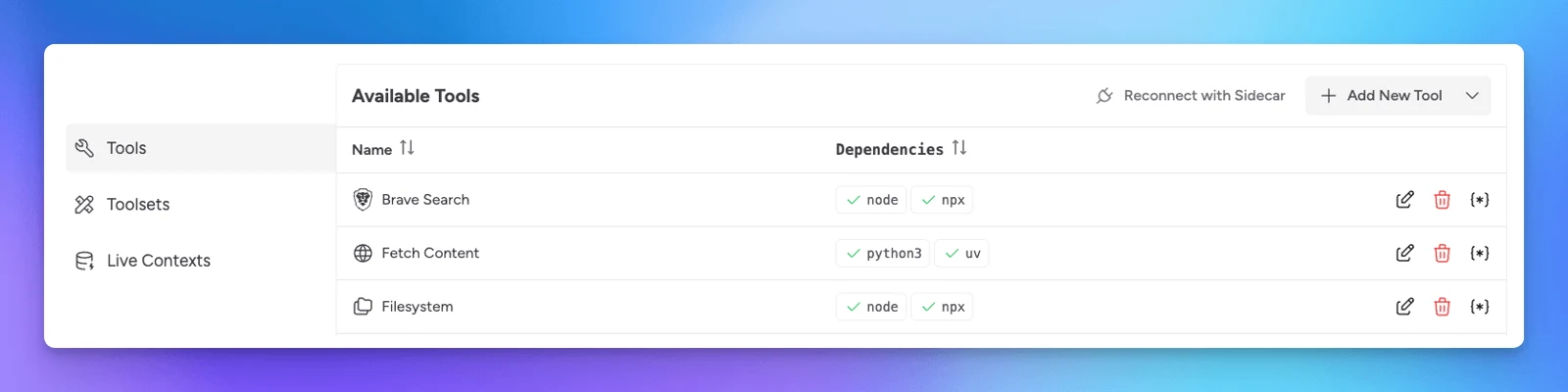
Official example. Use your values above; the example may show a different server or interface version. Screenshot source 3. Try it in a new chat
Add guardch to the toolset you use in the chat, then send the task below.
ToolboxTools
Open example.com in a Guard.ch browser and tell me what the page says.
Hand over a running session
Choose “Hand over to your agent” in the Guard.ch viewer and paste the prepared prompt into your assistant’s chat. The session ID in that prompt lets the assistant continue in the same browser. Sign your assistant in with the same Guard.ch account.